> For the complete documentation index, see [llms.txt](https://docs.sharingtools.services/welcome/llms.txt). Markdown versions of documentation pages are available by appending `.md` to page URLs; this page is available as [Markdown](https://docs.sharingtools.services/welcome/management-system-on-sharingtools.md).
# Management system on Sharingtools
Now, management system is provided in SharingTools by default!
***We will provide management service for all our customers, for this reason, we will change our price:*** \
��***Package One: $10 → ****1 Slot and management;*** \
��***Package Mini: $30 → ****5 Slot and management;*** \
**🔹*****Package Eco: $100 → ****25 Slot and management;*** \
**🔹*****Package Business: $250 → ****150 Slot and Management;*** \
**🔹*****NEW Package Unlimited: $1000 →\*\*\*\* ****Unlimited slot and management.***
**We also changed the Business package to 150 slots now because of the management package.**\
**🔹***Yearly payers will not be affected by price changes, but they also cannot use our management service;*\
**🔹***If you pay yearly and if you want management, you can contact us, pay the difference, and you can easily activate the management service.*
### How to enable management?
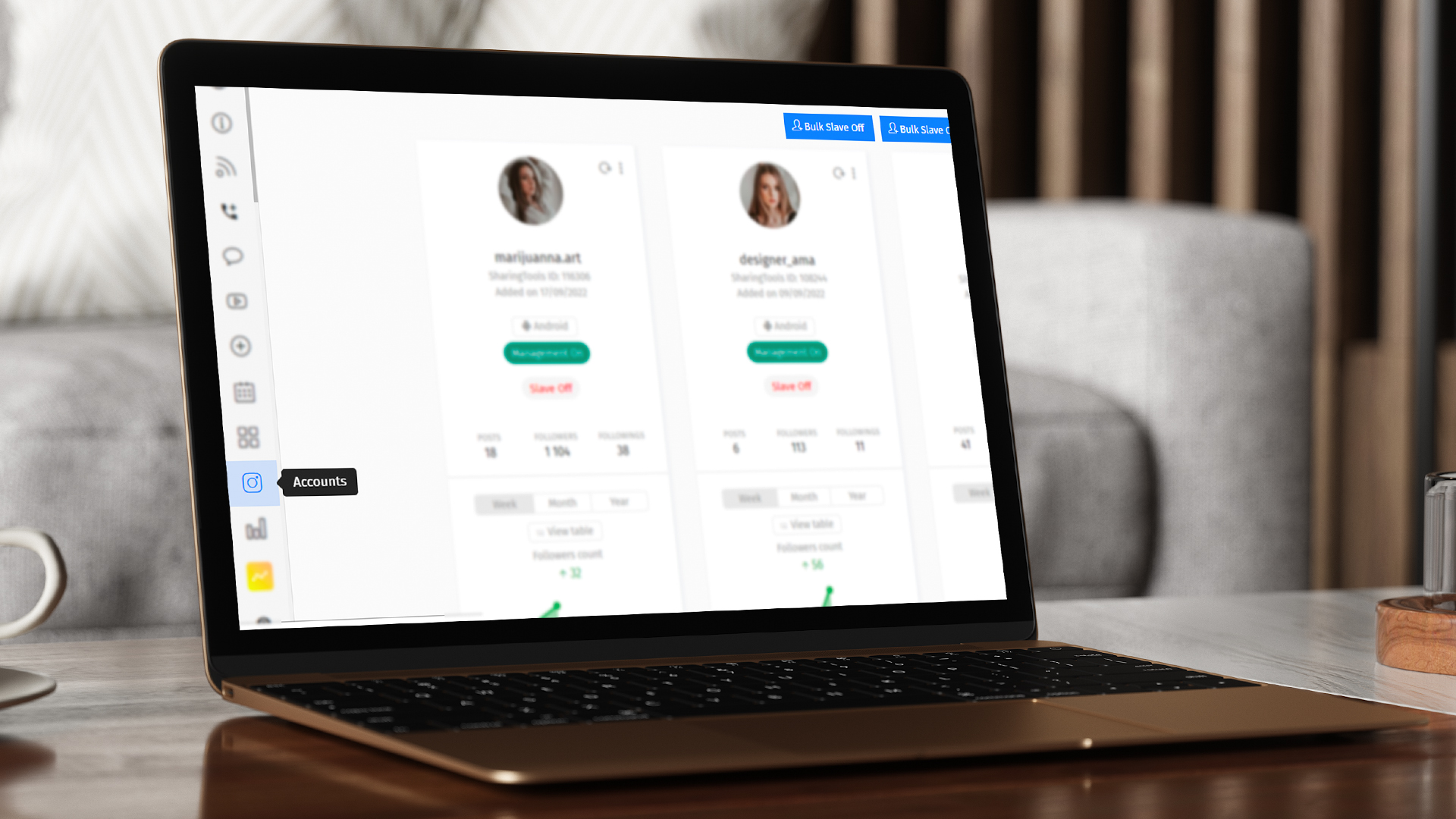
**To enable management, you must go to the ****“Accounts”**** tab, which is located on the left panel.**
**Under your account photo enable this option on your Instagram accounts.**
### What are the benefits of management service?
✅ Our management service contains all types of support, settings, research, and more; \
✅ With this service, all our small and large business customers can focus only on marketing and customer relations, all technical sides will don't by SharingTools; \
✅ Our managers are always in touch.